Claude Opus 5.5
Anthropic’s newest model. Faster and cheaper than the last one, and the best yet at writing code you can see.
Checkout didn’t start. Please try again, or send us a message with the contact form below.
Learn the whole AI video process: from one sentence to a finished video with animation, 3D, AI footage, voice and music. The main course video comes out on October 17, and we meet live once a week. You work in Claude Code, Codex or Cursor, whichever you already have.
Instant access · weekly live calls · 4 ready-made templates · 14-day money-back guarantee
Until recently, good video meant a camera, an editor, an animator and weeks of waiting. Or a template that looks like everyone else’s.
Now you describe what you want. Claude Opus 5.5 writes the scenes as HTML, HyperFrames renders them into a real MP4, and models on fal and ElevenLabs add images, video shots, voice and music. Every frame is code, so you change it with one sentence.
No dragging clips around a timeline. You talk to your agent, and it does the work that used to take a whole studio.
Everything below was made with this exact workflow: an agent plus HyperFrames. In the course you get the source code of all four as templates.
All four videos exist in Croatian, English and Japanese: new voice, new on-screen text, same code. One video becomes three markets.
Anthropic’s newest model. Faster and cheaper than the last one, and the best yet at writing code you can see.
ElevenLabs’ most expressive voice. It laughs, whispers and shifts tone. Released the day before we put it in our promo.
HeyGen’s open-source tool that turns HTML into video. Open-sourced this spring, shipping new releases almost every day.
Most people haven’t heard of this combination yet. You can be using it today.
Short video lessons walk the whole process on real videos, step by step. Watch at your own pace, as often as you like.
How to tell your agent what the video sells, to whom and in what tone, so you don’t get a generic result.
Opus 5.5 writes the HyperFrames composition: typography, animation, 3D particles, transitions. You learn how to ask for changes.
Photoreal images with Nano Banana Pro and video shots with Veo 3.1 on fal. The same character across scenes.
ElevenLabs v4 voices in English, Japanese or dozens of other languages, with emotion and laughter, plus music cut to length.
MP4 for the web, 9:16 for Reels and TikTok, 4:5 for the feed. One project, three outputs.
One agent is enough. I demo in Claude Code; you get the same instructions for Codex and Cursor.
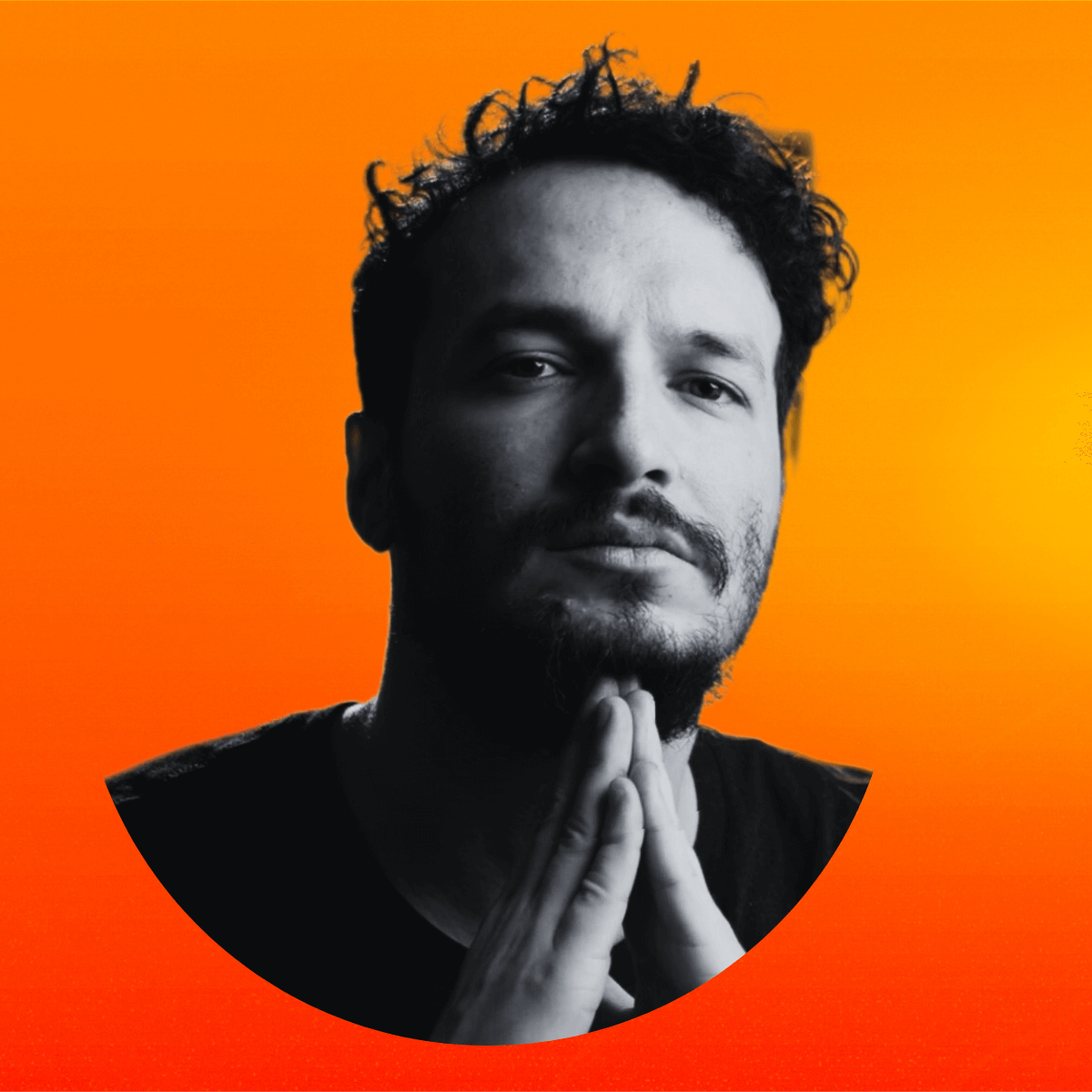
I run Digitalni Superheroj and AI Akademija in Croatia, where I teach business owners and professionals to work with AI agents. I made every video on this page with this workflow, and in the course I show you exactly how.
I show what works, where I got stuck and how I fixed it, so you don’t have to repeat my mistakes.
Short lessons from setup to finished video. Instant access after payment, no expiry, at your own pace.
Once a week, live online: feedback on your videos, your questions answered, news and new tips and tricks.
Source code of the promo and the three films on this page. Swap the text and images, get your own video.
The prompts I used for scenes, images, video shots and voices.
Which model for which job, what it costs, and which voices sound natural in English, Japanese and more.
Four steps before the first lesson so you can start making video right away.
Besides the course you only pay for what you use on fal, plus an ElevenLabs subscription for voice and music. Real numbers from our videos:
| 61 s promo: 1 Nano Banana Pro image + 6 s of Veo 3.1 video | ≈ $2.55 |
| “Spark” film (46 s): 7 photoreal shots | ≈ $1.05 |
| “Wish List” film (46 s): 13 clay shots | ≈ $1.95 |
| Voice and music | ElevenLabs plan |
Based on fal’s price list on September 29, 2026: Nano Banana Pro $0.15 per image, Veo 3.1 $0.40 per second.
You get your private page by email right after payment. The prep guide, templates and prompt library are there straight away, and the main course video comes out on October 17.
Price in USD. Not subject to VAT (VAT not charged), so the price is final. Card payment via Stripe.
If within 14 days of purchase you decide the course isn’t for you, email me and I refund you in full. No questions.
No. The agent writes the code. You describe what you want and review the result. I show you how to ask for changes in plain sentences.
One of three: Claude Code, Codex or Cursor. If you have none, the prep guide tells you which to pick and what it costs.
A few dollars on fal for one promo. Exact numbers from our videos are above. Voice and music run on an ElevenLabs plan.
Yes. HyperFrames runs on Mac, Windows and Linux. You need Node.js 22 and FFmpeg.
Right after payment you get an email with your private page: the prep guide, templates and prompt library are there straight away, and the main course video comes out on October 17. Your access doesn’t expire.
Once a week we meet live online. Bring a video you made or a question. The schedule and link go up on your private page with the main video on October 17. If you miss one, come to the next.
Yes. I show how to take the same video into another language with a new voice and on-screen text.
The videos you make are yours. HyperFrames is open source (Apache 2.0). For images, video and voice, fal’s and ElevenLabs’ terms for your account apply.
Use the button on your private page, or send us a message with the contact form at the bottom of this page, within 14 days of purchase. We refund the full amount.
The quiz tells you if the course fits you and which video to make first. For anything else, send us a message.
4 quick questions. AI turns your answers into a personal plan for your first week.
Reading your answers…
We also sent the plan to your inbox.
Send us a message. Davor answers personally, usually the same day.
One agent and an idea you already have. The main video comes out on October 17: watch it, then bring your video to a weekly call.
Start learning · $149P.S. Everything in this workflow is days or weeks old. A year from now a lot more people will make video this way. You can start today.